
Redline + Review for contracts — compare, share, and decide
Create a clean markup view, invite others into a review session, and turn feedback into the next draft—fast.
How it works
Four simple steps from draft to decision
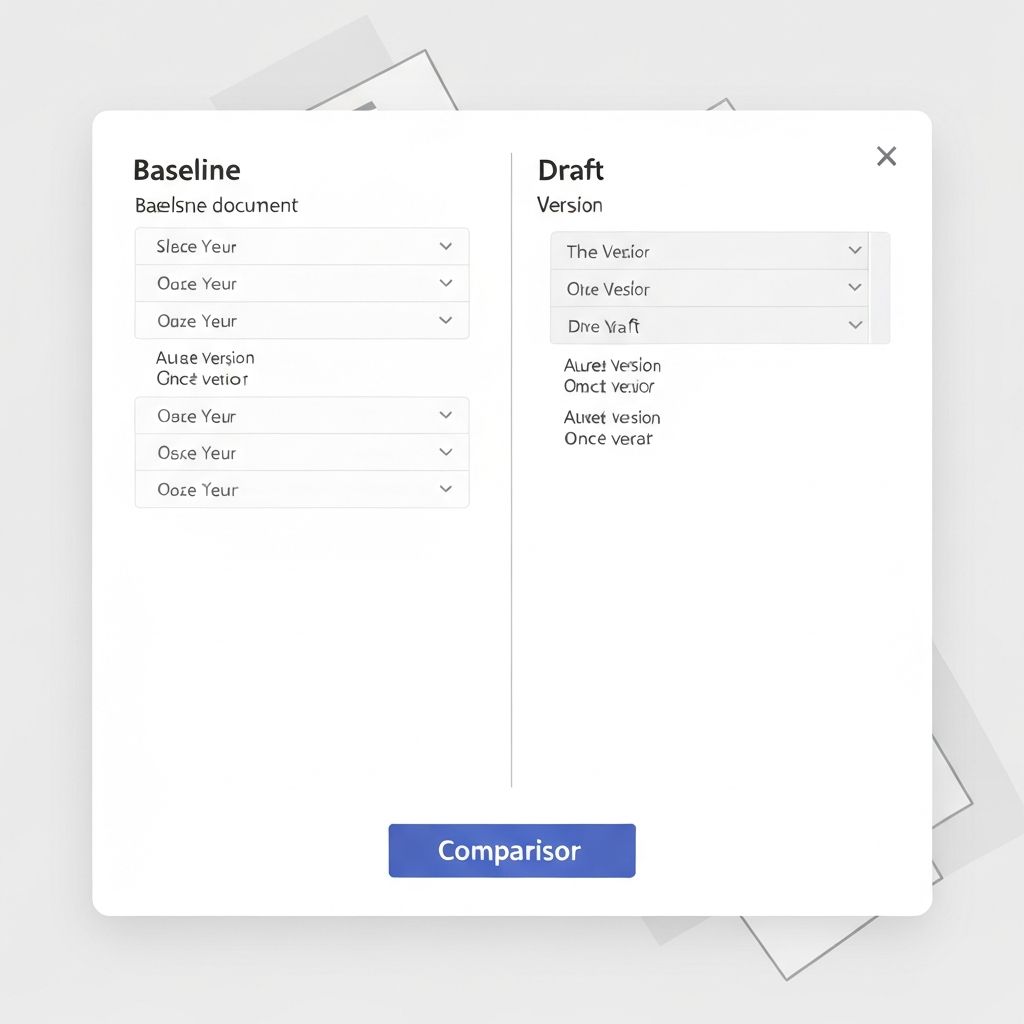
Pick Baseline + Draft
Select your revision vs current draft to compare
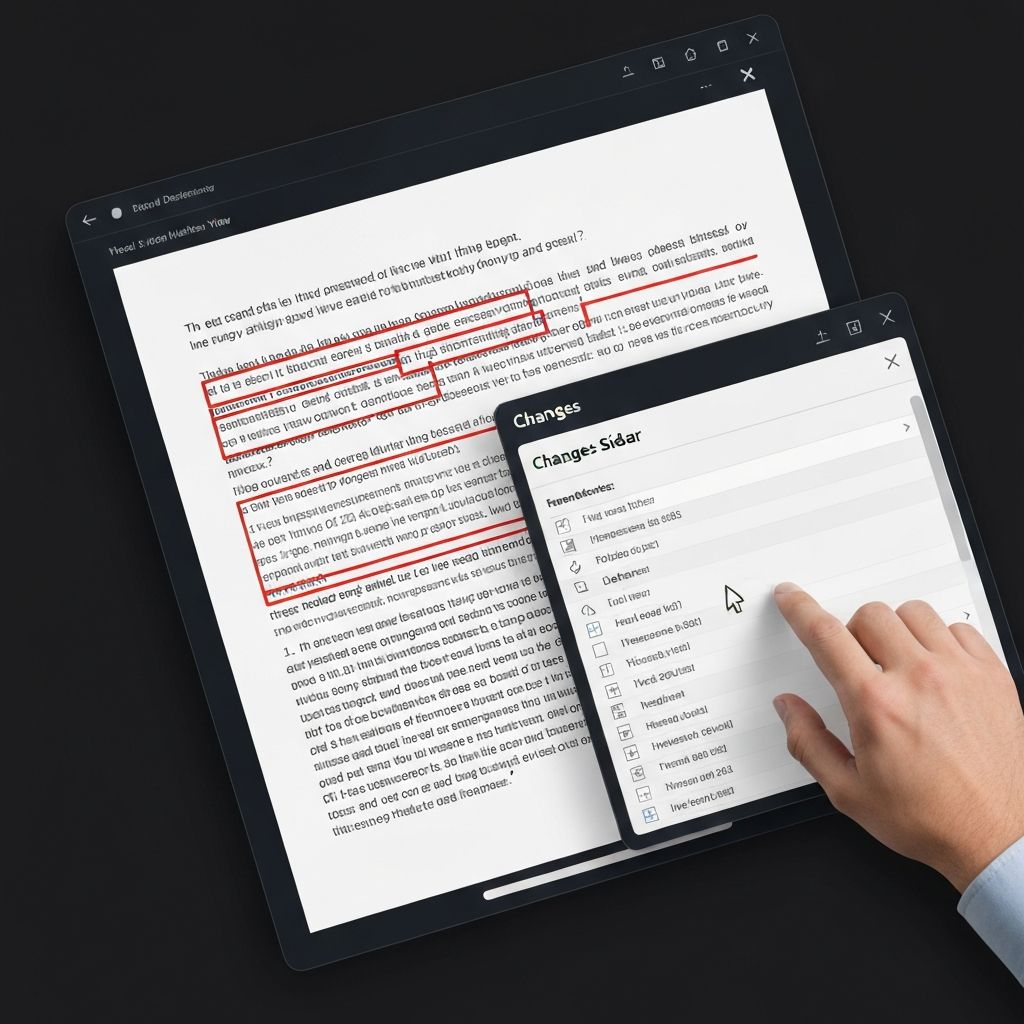
See markup instantly
View insertions, deletions, and key structural edits
Share a review link
Invite reviewers, set roles, and due dates
Apply decisions + export
Download Final + Markup for your client
Core collaboration capabilities
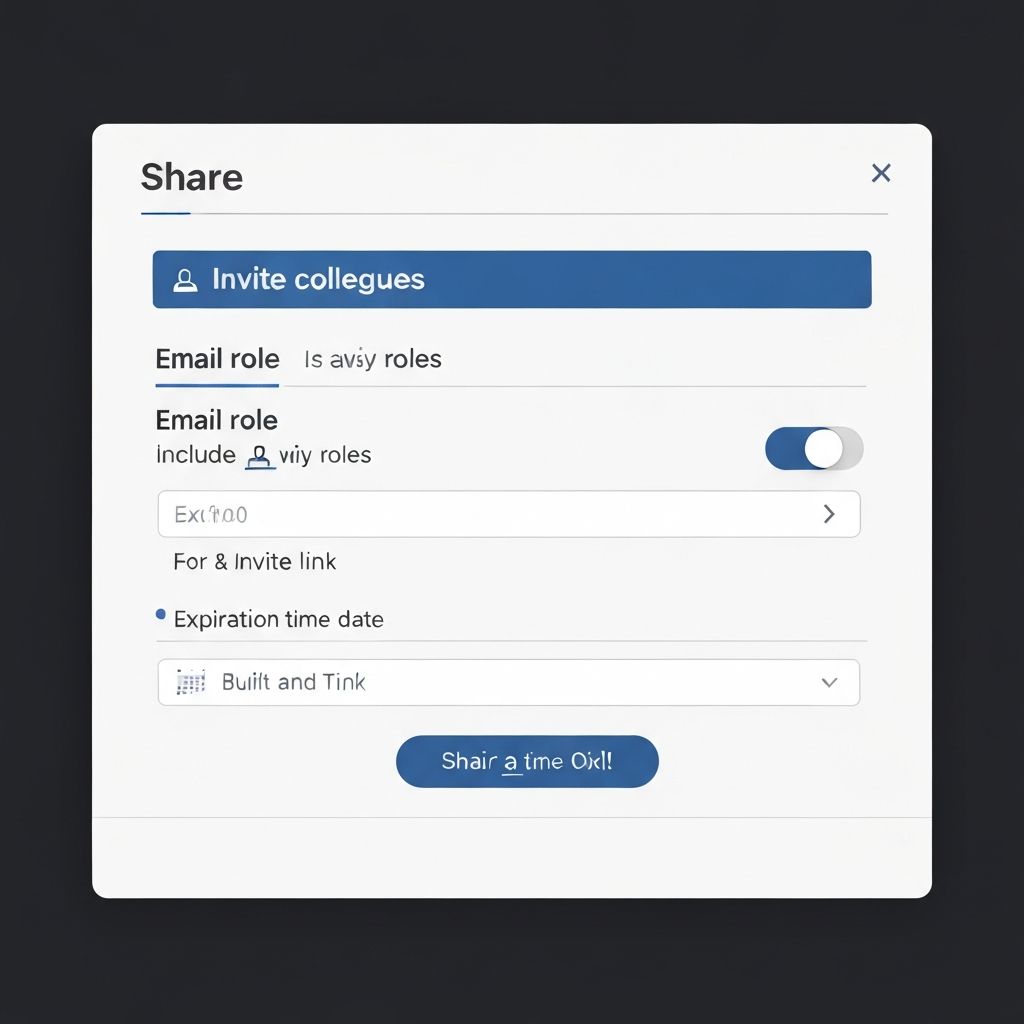
Shareable review sessions
Send a secure review link so stakeholders can review the same redline—without emailing versions around.
- Invite by email with role-based access
- Set expiration dates for secure access
- Track who's reviewed and when
Changes list that navigates the document
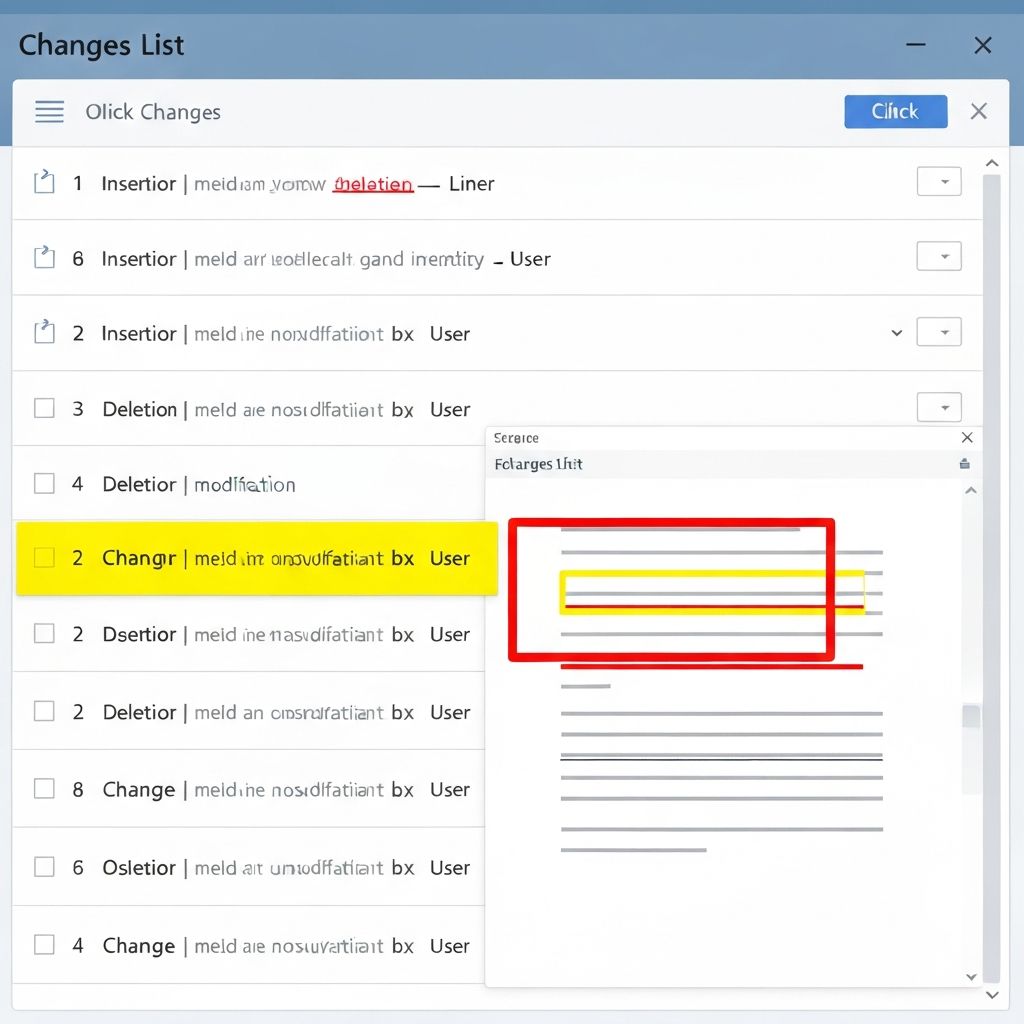
Every change is clickable. Jump to the exact line, review context, and move on.
- Click any change to jump to location
- Filter by insertions, deletions, or formatting
- See total count of changes
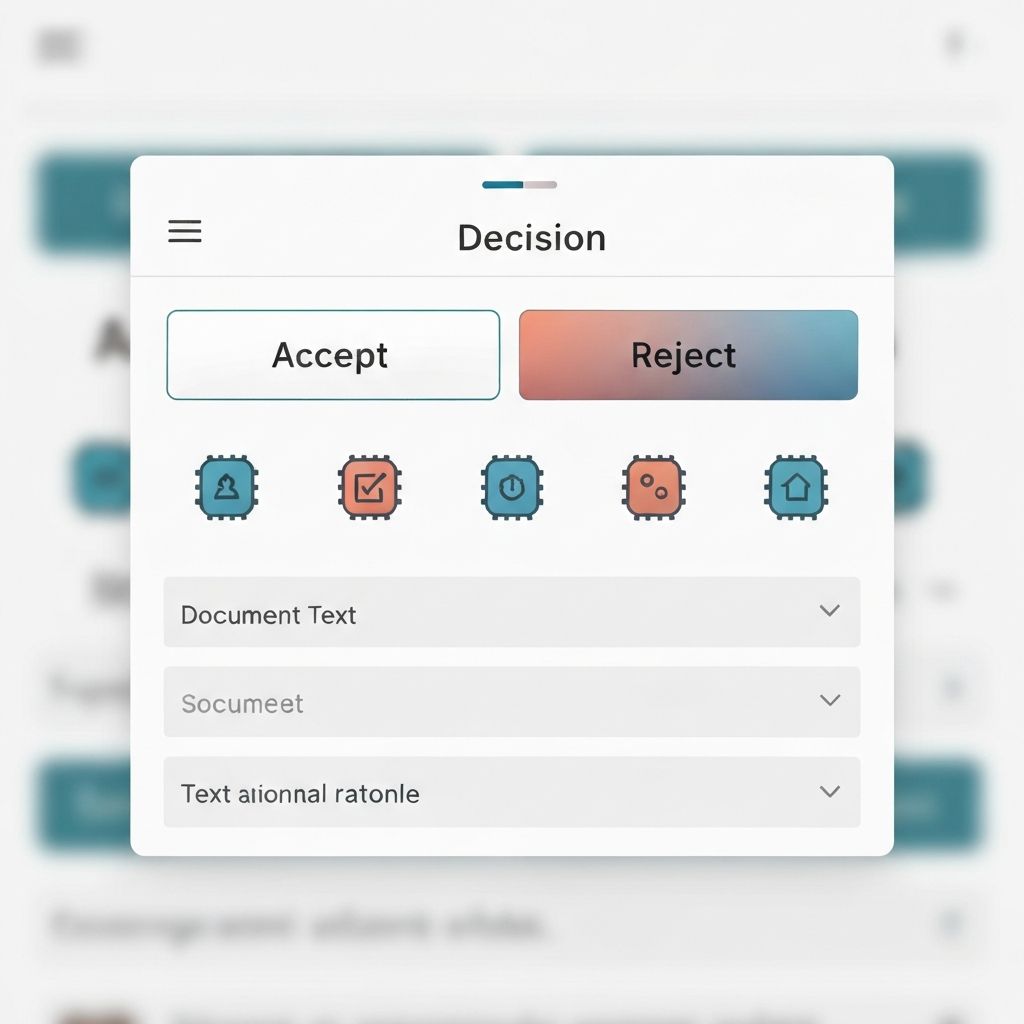
Decisions + rationale (accept/reject with notes)
Capture why something was accepted or rejected and keep negotiation history searchable.
- Accept/reject changes with one click
- Add notes and rationale to decisions
- Searchable negotiation history
Round-trip negotiation
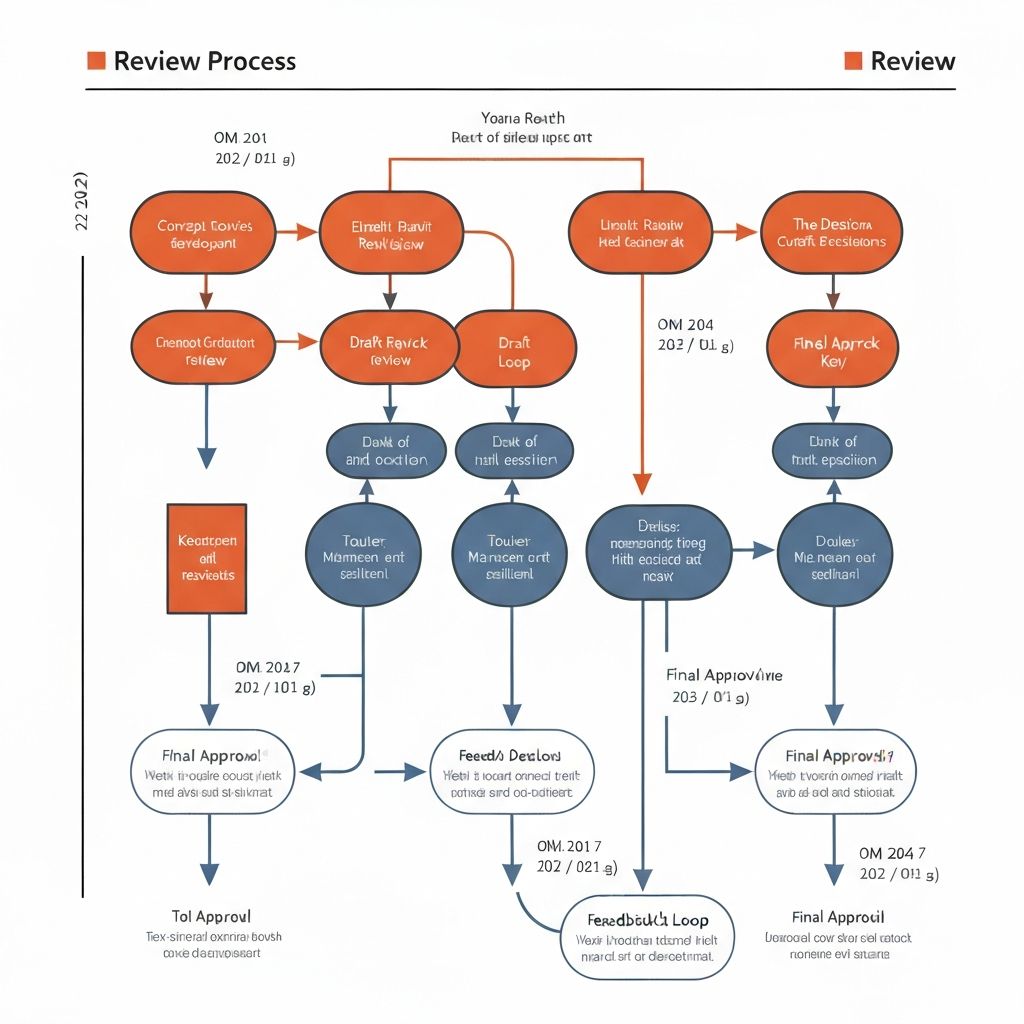
Send back a response (decisions or a revised draft) and keep each round organized.
- Organized timeline of all review rounds
- Send decisions or revised drafts back
- Full history of what changed and why
Changes you can trust
ClauseInk tracks every meaningful change in your legal documents
Text changes
Insertions, deletions, and replacements
Image changes
Resizing and alignment updates
Structure changes
Page breaks and signature blocks
Exportable markup
Final + Markup files ready to share
Send clean files—without breaking formatting
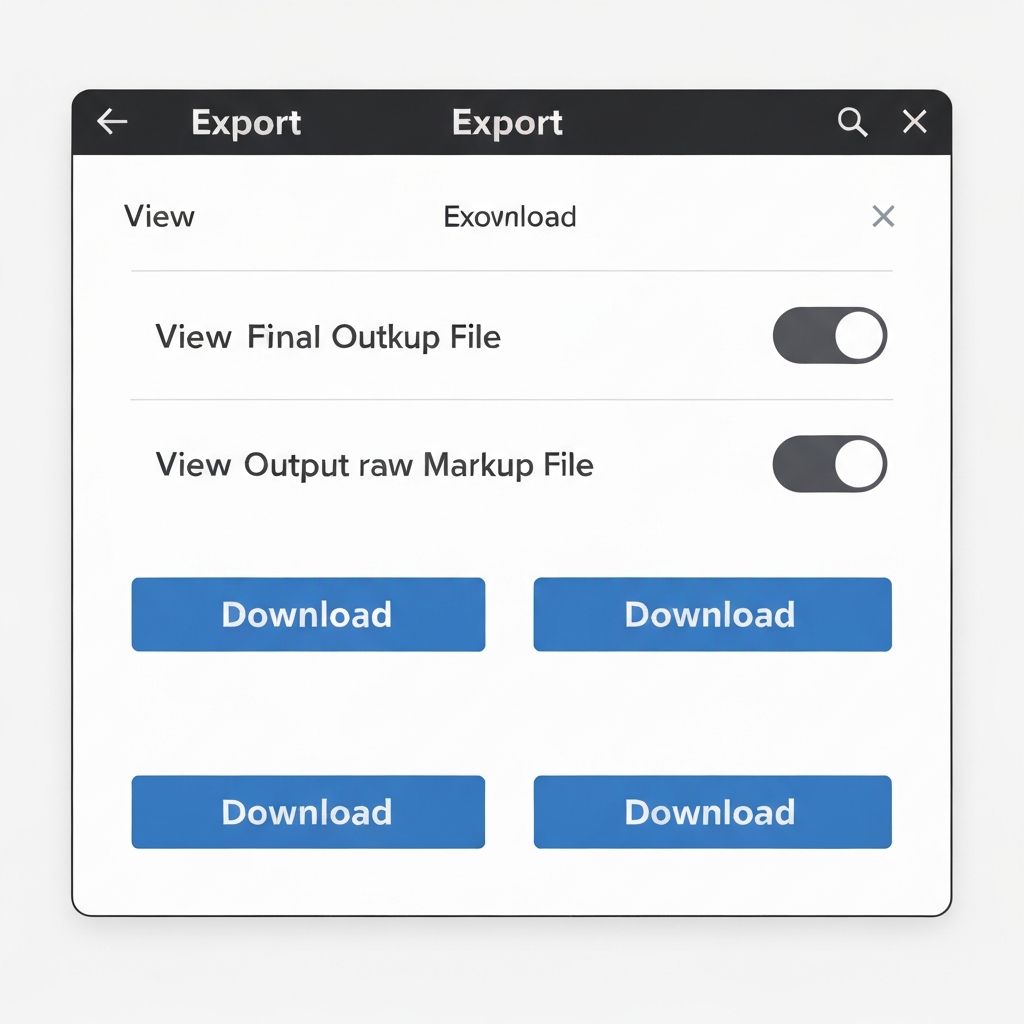
Export a client-ready Final and a Markup copy for negotiation.
Final version
Clean document with all changes applied
Markup version
Redlined document showing all tracked changes
Multiple formats
Export as Word (.docx) or PDF
Secure, permissioned review
Enterprise-grade security meets flexible access controls
Invite-only access
Only invited users can view the redline
Role-based permissions
Viewer, reviewer, or approver roles
Activity logging
Track all actions and decisions
Stop emailing versions. Start reviewing.
Try ClauseInk free. No credit card required.